
A clear path from pitch to publication.
Bring a relevant prospect. Start a conversation. Keep the next step in sight until the link goes live.
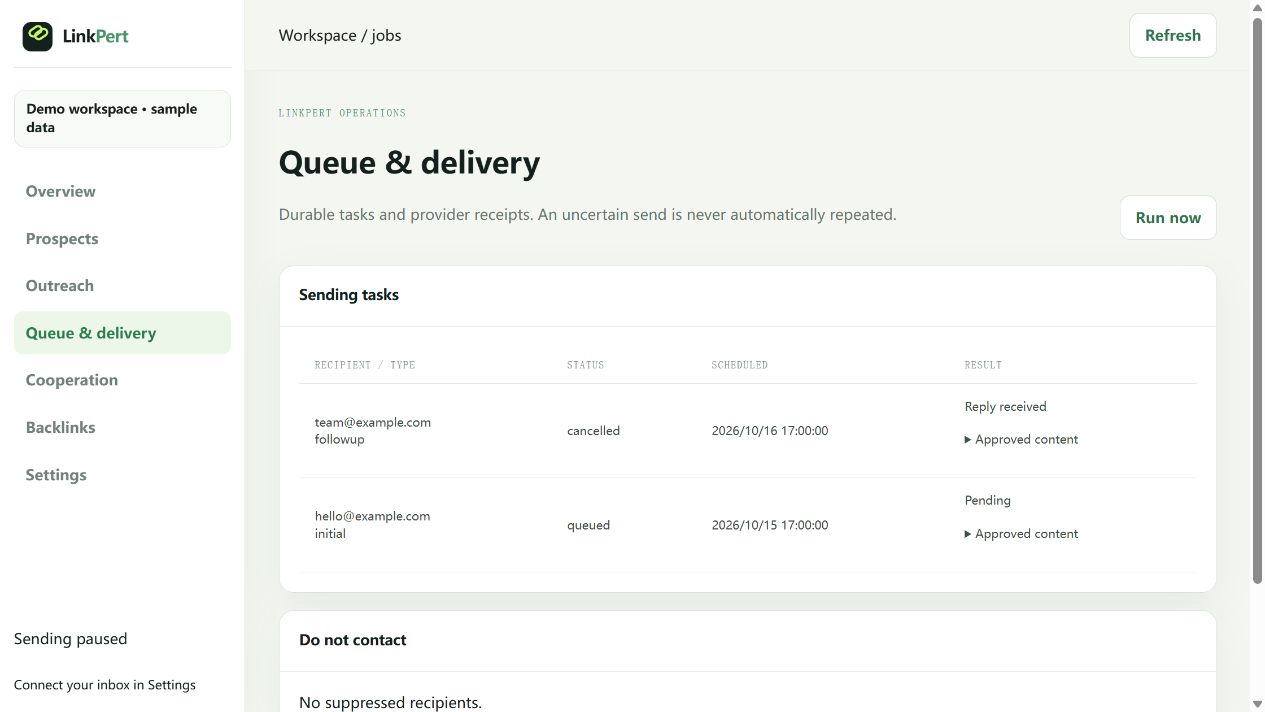 View full-size screenshot ↗
Start with a reason to reach out.
- 1
Bring your research.
Add the page, business contact, and why your resource belongs there.
- 2
Make the pitch yours.
Edit the message and approve it before sending from your connected Gmail. Choose an optional follow-up and a pace that works for you.
Keep the conversation moving.
When a reply is imported, pending follow-ups stop. Read what the editor needs, agree the next step, and keep the brief beside the conversation.
Finish the work. Check the link.
- 1
Deliver what you agreed.
Keep the outline, draft, owner, and due date together. The publisher reviews and publishes the work.
- 2
Record the result.
Save the published URL and check for your target link. A positive reply becomes a placement only when the link is there.
Good questions.
Do I need to leave a browser open?
No. Approved work runs on a cloud schedule within your sending limits. Pauses, expired authorization, and provider outages can delay processing.
Where do I start?
Connect your approved mailbox using the Gmail guide. If a task stalls, visit the help center.